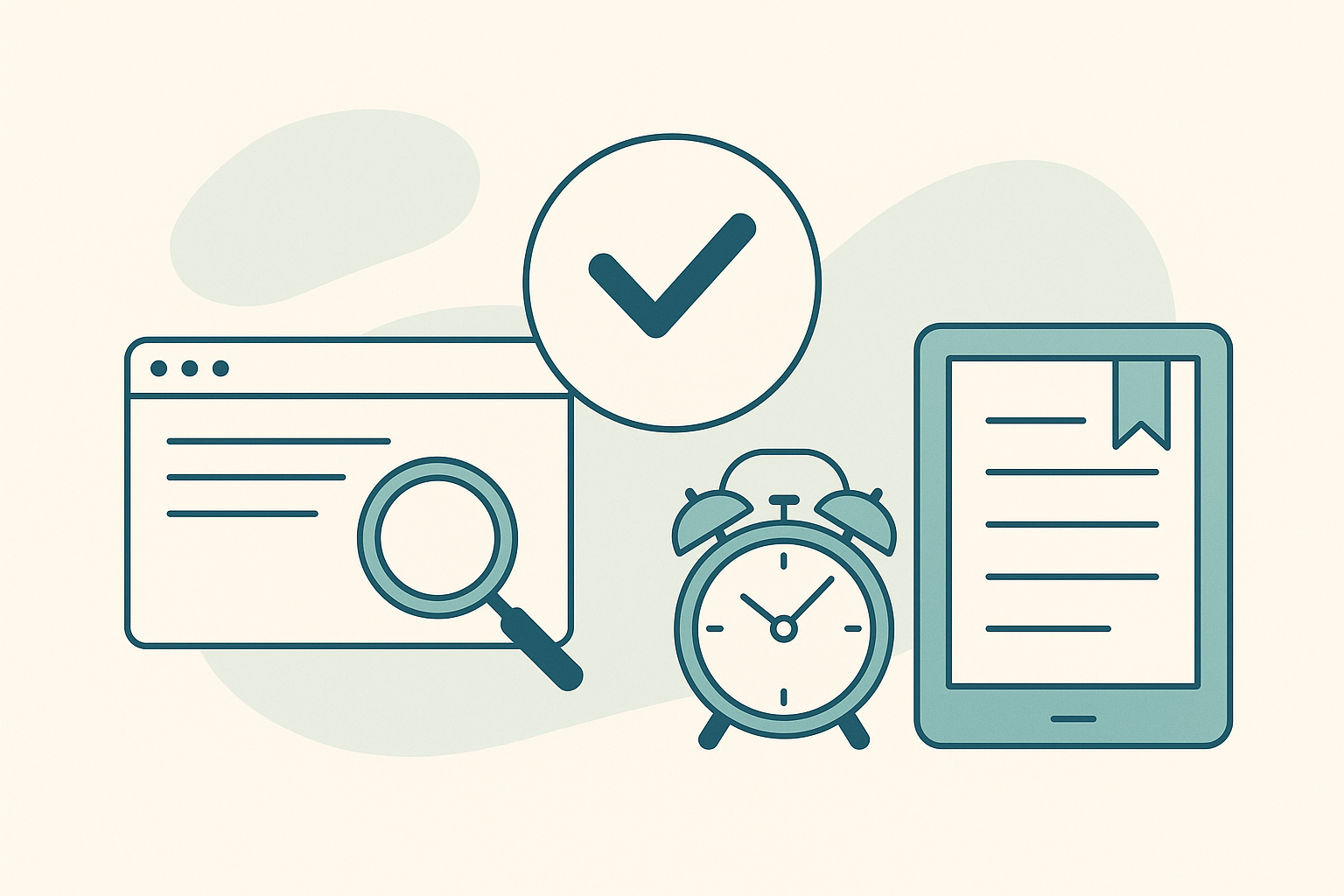
In the digital age, our browsers have become the hub of our research activities, but this comes with a new set of challenges. The struggle with having too many open tabs can be overwhelming, and traditional methods like bookmarking often lead to what many describe as a “bookmark graveyard.” Instead of creating an unmanageable archive of tabs marked “read later,” building an effective read-it-later system using scheduled tab reminders can revolutionize your research workflow. Let’s explore how you can use Tab Reminder to streamline your browser experience and ensure you never lose sight of what truly matters.
The Problem with Traditional Tab Management
Many of us have faced the overwhelming sight of dozens, if not hundreds, of open tabs. Whether you’re conducting research, comparing products, or simply browsing, each tab represents an intention,something you plan to read or return to later. However, leaving these tabs open can lead to a cluttered, anxiety-inducing browser experience.
Reddit users often discuss their struggles with managing tabs, expressing the frustration of having too many open at once. A common solution many turn to is bookmarking, yet these bookmarks often end up forgotten, never to be revisited. This is echoed in discussions about “bookmark graveyards” where saved links gather digital dust.
Why Scheduled Tab Reminders Are Game-Changing
Enter Tab Reminder, a Chrome extension designed to help you manage your tabs more effectively by scheduling them to reopen at specific times. This approach can significantly enhance your read-later and research workflow.
Schedule Tabs to Reopen
With Tab Reminder, you can set tabs to reopen at times that align with your schedule. This ensures that when you’re ready to tackle a particular task or read an article, the tab is waiting for you. You can choose from quick presets like one day, one week, one month, or even set recurring reminders for tasks that need regular attention.
Create Named Collections
Instead of a chaotic cluster of tabs, organize your research by saving entire browser windows as named collections. This makes it easy to return to a set of related tabs without keeping everything open at once. Share these collections with others via a link or keep them synced across devices using Google sign-in.
For more tips on managing your tabs effectively, check out our post on 5 Productivity Hacks Using Tab Reminders.
Building a Read-It-Later System That Works
To build an effective read-it-later system, it’s crucial to integrate Tab Reminder into your daily workflow. Here’s how you can do it:
1. Prioritize Your Tabs
Start by reviewing your open tabs. Decide which ones you need to address immediately and which can be scheduled for later. Use Tab Reminder to set a reopening time that fits your schedule, turning potential distractions into manageable tasks.
2. Use Recurring Reminders
For ongoing projects or tasks that require continuous attention, set up recurring reminders. This feature ensures that crucial tabs resurface regularly without cluttering your browser.
3. Sync Across Devices
Take advantage of Tab Reminder’s cross-device sync. Whether you’re switching from your work computer to your phone or home laptop, your scheduled tabs will be ready when and where you need them.
At this point, if you haven’t yet explored the benefits of Tab Reminder, visit the Chrome Web Store to download it and start transforming your browsing experience today.
Addressing Pain Points from Real Users
Many users, especially those on Reddit, have voiced concerns about losing important tabs due to crashes or overwhelming numbers of open tabs. Tab Reminder addresses these pain points by allowing you to maintain a fresh, uncluttered browser while ensuring your important tabs are never forgotten.
For instance, one Reddit user mentioned losing months of work due to an extension crash. By saving tabs as named collections, you create a reliable backup that is easy to access and manage, unlike traditional bookmarking systems.
For more strategies on avoiding tab loss, read our post on How to Stop Losing Important Tabs.
Conclusion: A New Way to Manage Your Research Workflow
By integrating Tab Reminder into your browser routine, you can create a read-it-later system that truly works. Say goodbye to the anxiety of tab overload and the frustration of forgotten bookmarks. With scheduled tab reminders, you can reclaim your browsing experience, ensuring that the tabs you care about are always there when you need them.
To start building your efficient research workflow, download Tab Reminder from the Chrome Web Store today and explore the endless possibilities of a decluttered digital workspace.