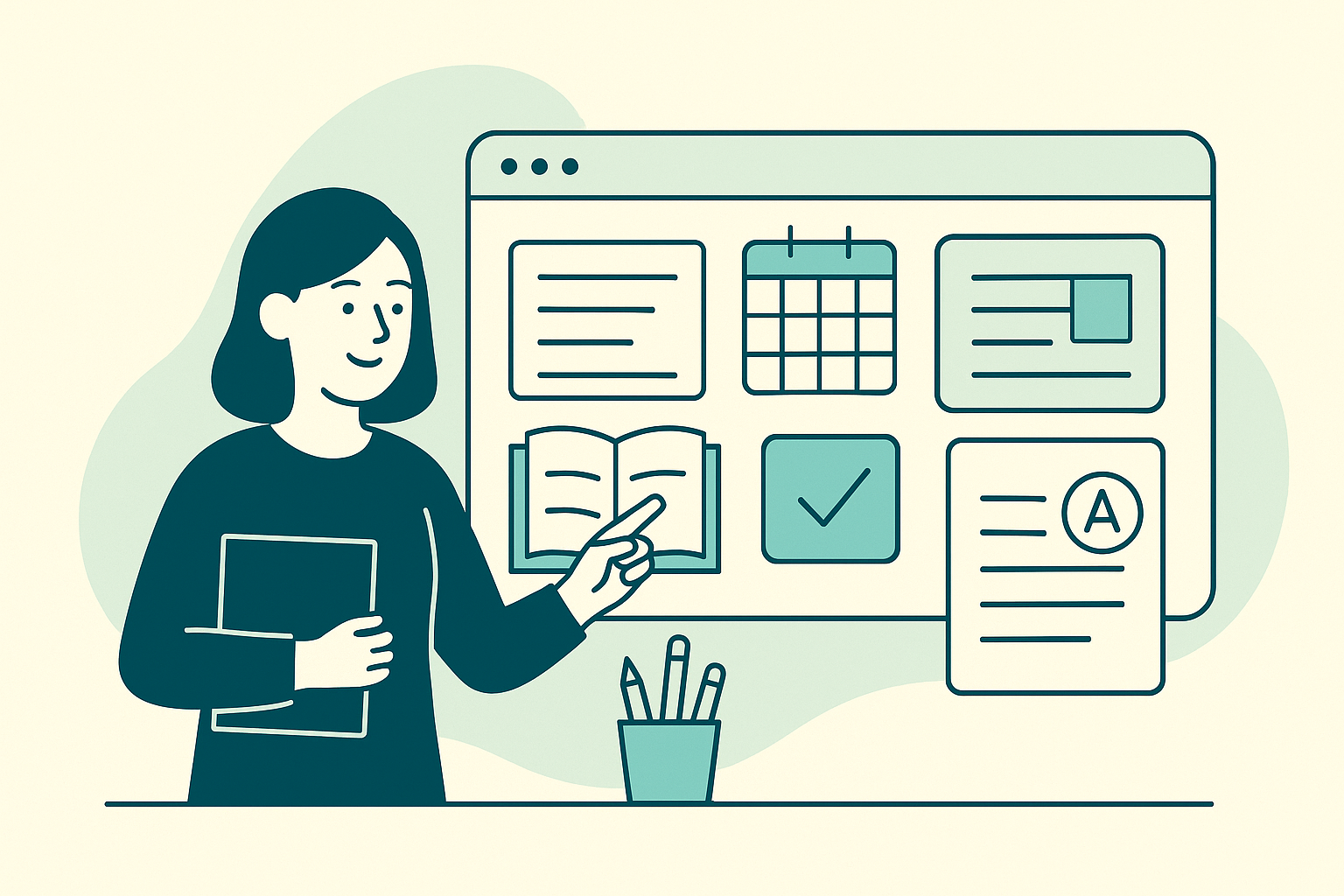
In the dynamic world of teaching, lesson planning is an art that goes beyond merely preparing a syllabus. Teachers juggle numerous classroom resources and grading workflows, often within the confines of their browser tabs. These digital spaces become the backbone of educators’ daily routines, enabling them to foster engaging and efficient learning environments. With the right tools, like Tab Reminder, teachers can seamlessly organize lesson plans, manage classroom resources, and streamline grading workflows for a more productive educational workflow.
Lesson Planning with Browser Tabs
Lesson planning can be a time-consuming task, but with the right browser setup, it becomes more manageable. Teachers often rely on multiple educational resources such as online lesson plan generators, video tutorials, and interactive platforms like Kahoot or Newsela. Keeping tabs on these resources without overwhelming your browser can be challenging.
With Tab Reminder, you can schedule these essential tabs to reopen at specific times, ensuring you always have quick access to your lesson materials. For instance, set your lesson planning tabs to reopen every Monday morning, ready for the week ahead. This recurring reminder helps reduce the time spent searching for the right resources, allowing you to focus more on refining your lesson plans.
Organizing Classroom Resources
Managing classroom resources is another critical aspect of a teacher’s job. From educational articles to student assignments, organizing these materials can streamline the teaching process. Teachers can save entire browser windows as named collections using Tab Reminder. This feature allows you to categorize resources by subject or class, making them easily accessible whenever needed.
For example, you might have a collection titled “9th Grade Biology” that includes tabs for lab safety guidelines, interactive simulations, and grading rubrics. Sharing these collections with colleagues or students via a link fosters collaboration and ensures everyone is on the same page. This system not only saves time but also creates a more organized and efficient workflow.
Enhancing Grading Workflows
Grading can be one of the most labor-intensive parts of teaching. Between maintaining gradebooks and providing feedback, having an efficient workflow is crucial. Teachers often use digital tools like Google Classroom, Microsoft Teams, or even simple spreadsheet programs to manage grades.
With Tab Reminder, you can set recurring reminders to open your grading tabs each week, ensuring you never miss a deadline. This feature is particularly useful during busy periods like midterms or finals. Additionally, because Tab Reminder syncs across devices via Google sign-in, you can continue your work seamlessly from any device, whether you’re at home or in the classroom.
Learn more about productivity hacks for teachers to further streamline your grading process.
Building a Positive Learning Environment
Creating a positive learning environment is key to student engagement. Teachers on platforms like Reddit often discuss the importance of proactive classroom management and building relationships with students. Sharing personal stories and interests can aid in this process, as mentioned in the journaling activities some teachers employ.
Tab Reminder can help maintain consistency in these activities by scheduling tabs related to student interaction, such as journaling prompts or interactive discussion forums, to regularly reopen. This ensures that these important engagement tools are always at your fingertips, ready to be used.
Mid-Article CTA
Tab Reminder transforms how teachers manage their digital resources, ensuring lesson plans, classroom materials, and grading workflows are organized and efficient. Discover how Tab Reminder can help you stop losing important tabs by checking out our article on how to stop losing important tabs.
Conclusion
Incorporating tools like Tab Reminder into your teaching routine can significantly enhance your educational workflow. By scheduling tabs to reopen at specific times, saving browser windows as collections, and syncing across devices, teachers can better organize their lesson plans, classroom resources, and grading workflows. These strategies not only save time but also enhance student engagement, creating a more productive learning environment.
Explore Tab Reminder on the Chrome Web Store today and revolutionize your teaching workflow. By taking control of your browser tabs, you unlock new efficiencies that allow you to focus more on your students and less on managing digital clutter.