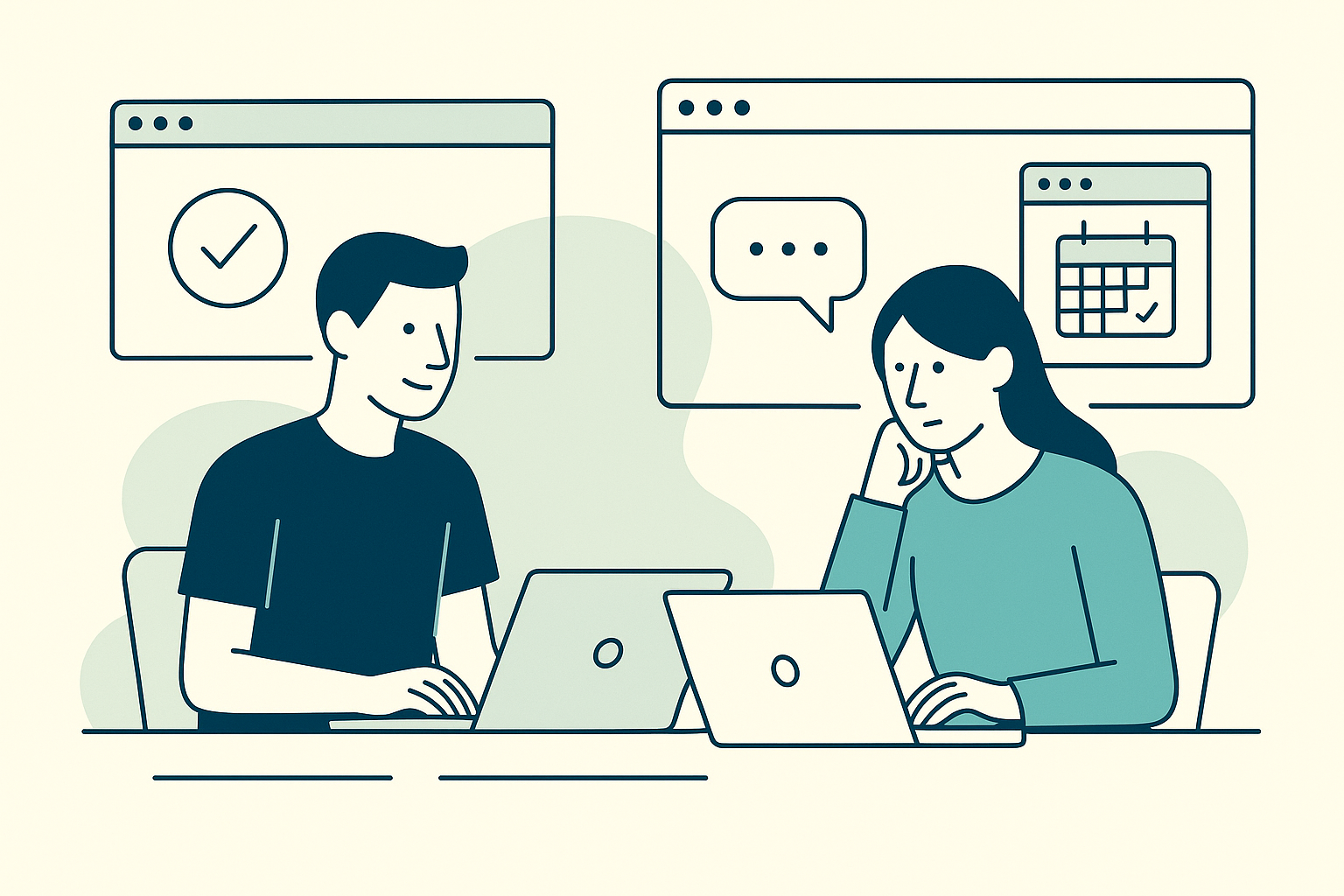
In the ever-evolving landscape of remote work, managing project contexts, and preparing for meetings can often feel like an uphill battle. The digital divide between work tasks and personal browsing can blur boundaries, leading to decreased productivity. Enter Tab Reminder, a Chrome extension designed to streamline your remote work experience by allowing you to schedule tabs to reopen at specific times. Whether you’re juggling multiple projects or setting up for a critical meeting, Tab Reminder can help you maintain your work-life balance and browser organization.
Mastering Remote Work with Tab Reminder
Remote work often involves managing a deluge of browser tabs, each representing a different project context or task. It’s easy to feel overwhelmed when your browser becomes a chaotic sea of tabs. Tab Reminder offers a simple solution: schedule tabs to reopen when you actually need them. This feature is a game-changer for remote workers who frequently switch between various tasks and projects, allowing you to focus on current priorities without losing sight of future tasks.
Streamlining Meeting Prep
Preparing for meetings in a remote work setting can be daunting, especially when you need to gather information from multiple sources. With Tab Reminder, you can organize all the necessary resources into a single tab collection and schedule it to open just before your meeting. This ensures that all your research, notes, and presentations are readily available, minimizing the last-minute scramble and enabling you to engage more effectively during meetings.
Organize Work Tabs with Project Context
For remote workers, staying on top of project contexts is crucial. Tab Reminder allows you to save entire browser windows as named collections, which can be shared with team members via a link. This is particularly useful for collaborative projects, as everyone can access the same resources and stay aligned on project objectives. By scheduling these collections to open at specific times, you ensure that your browser is always optimized for your current task, reducing the cognitive load of switching contexts.
Achieving Work-Life Browser Separation
One of the challenges of remote work is maintaining a clear boundary between professional and personal life. Many remote workers struggle with keeping work tabs from intruding into personal time and vice versa. Tab Reminder facilitates this separation by allowing you to set recurring reminders for work-related tabs, ensuring they only open during designated work hours. This helps you maintain focus and prevent work from encroaching on personal time, contributing to a healthier work-life balance.
Real Solutions for Real Pain Points
Many remote workers have expressed frustration with managing numerous browser tabs. A common sentiment shared on Reddit’s r/chrome is the annoyance of Chrome opening countless tabs unnecessarily. Tab Reminder addresses this by letting you control when and how tabs reopen, providing a sense of order and predictability to your browsing habits. Similarly, users on r/AskWomen have suggested using separate browsers or bookmarks for work, a strategy that Tab Reminder enhances by allowing you to schedule and organize these elements effectively.
Read more on how to stop losing important tabs and discover productivity hacks using Tab Reminder in this detailed guide.
Mid-Article Call to Action
Want to take control of your remote work browser experience? Download Tab Reminder now from the Chrome Web Store and start organizing your digital workspace with ease.
Practical Workflows for Enhanced Productivity
Schedule Tabs for Daily, Weekly, or Monthly Recurrence
Remote work often involves recurring tasks that require regular attention. Tab Reminder’s recurring reminders feature allows you to schedule tabs to reopen daily, weekly, or monthly, aligning with your workflow needs. For instance, if you have a weekly team meeting, you can set specific tabs, such as meeting notes or project updates, to open every Monday morning. This automation ensures that you’re always prepared without having to manually search for the necessary resources.
Cross-Device Synchronization
In today’s mobile world, the ability to access your work from any device is essential. Tab Reminder syncs across devices via Google sign-in, ensuring that your tab collections and scheduled reminders are available whether you’re on your laptop or a mobile device. This feature supports the flexibility that remote work demands, enabling you to seamlessly transition between devices without losing track of your tasks.
Discover how students can benefit from automatically reopening class tabs and explore why every student needs Tab Reminder in this compelling post.
End Call to Action
Ready to transform your remote work experience? Embrace the power of Tab Reminder to manage your project contexts, streamline meeting prep, and achieve a balanced work-life browser separation. Visit the Chrome Web Store today and start scheduling your tabs for a more organized and productive remote work life.